What Does Spigot Do for a Minecraft Server?

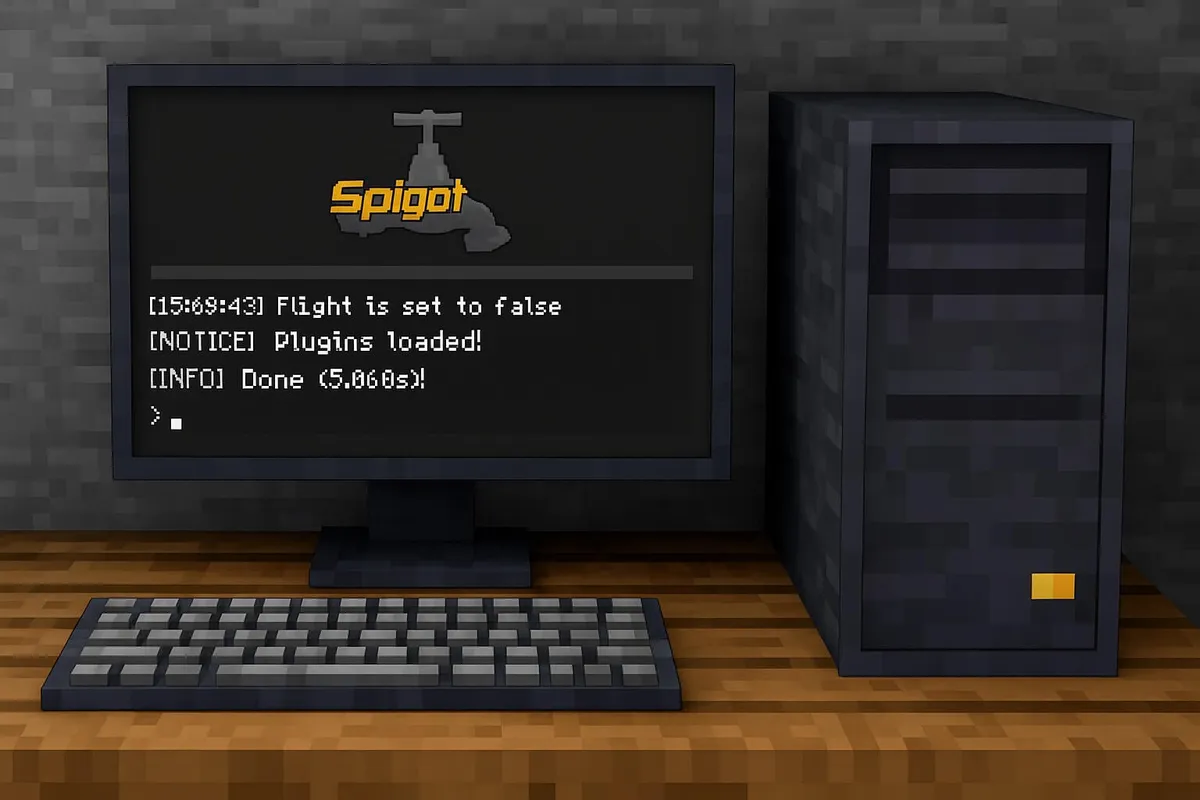
Spigot is free server software for Minecraft: Java Edition that lets you use plugins on your server. It’s built on Bukkit, the first big plugin API for Minecraft, and makes the server faster and more configurable than the official Vanilla server.
In short: In October 2026, Spigot is still available for the current Minecraft version, Java 26.3 (released September 15, 2026). Unlike Paper, though, you don’t get a ready-made file – you build Spigot yourself with a program called BuildTools. For most new servers, Paper is the simpler and faster choice today. Spigot mainly makes sense if a plugin explicitly requires it or you want to stay close to the original.
What is Spigot – and what do Bukkit and Paper have to do with it?
The story in three steps:
- Bukkit was the first big API that let plugins talk to a Minecraft server. The matching server software was called CraftBukkit.
- Spigot built on top of it and added optimizations and settings – for example how far around players animals and monsters stay active. All Bukkit plugins still work.
- Paper started as a fork of Spigot with even more optimizations. In December 2024, Paper split from Spigot as an independent project starting with Minecraft 1.21.4.
Today, Paper is by far the most widely used plugin software: according to bStats, around 74% of tracked plugin servers run Paper, while Spigot is at about 6%.
What does Spigot offer over Vanilla?
- Plugins: you can use Bukkit and Spigot plugins – from permission systems to teleport commands to minigames. Vanilla can’t do that.
- Better performance: in the
spigot.ymlfile you set how far around players animals and monsters are active (entity-activation-range), how far players can see (view-distance) and how closely lying items are merged (merge-radius). Smaller values take load off the server. - More control: settings can be set per world, and
restart-on-crashtries to restart the server automatically after a crash. - Huge plugin library: at spigotmc.org/resources you’ll find one of the largest plugin collections for Minecraft – both free and paid.
Spigot, Paper and Vanilla compared
| Vanilla | Spigot | Paper | |
|---|---|---|---|
| Plugins | no | Bukkit/Spigot | Bukkit/Spigot + Paper plugins |
| Download | ready-made file from Mojang | build it yourself with BuildTools | ready-made file from papermc.io |
| Performance | baseline | better than Vanilla | even more optimizations |
| Gameplay | original | very close to the original | fixes more bugs and exploits |
| Config files | server.properties | + bukkit.yml, spigot.yml | + paper-global.yml, paper-world-defaults.yml |
| Share according to bStats | – | about 6% | about 74% |
When does Spigot make sense? When a plugin explicitly supports only Spigot, when you develop a plugin and want to test it on the Spigot base, or when you want to avoid Paper’s changes to game behavior. In all other cases Paper is the easier choice, because it runs Spigot plugins too.
Installing Spigot with BuildTools – step by step
Because of a 2014 DMCA complaint against CraftBukkit, SpigotMC doesn’t offer a ready-made server file. Instead, you download BuildTools. The program fetches the official Minecraft server, applies the Spigot changes and builds your server file from them.
- Install Java 25 (JDK) and Git
Since Minecraft 26.1, the server needs Java 25. For BuildTools it has to be a full JDK, not just a runtime, because code gets compiled. Free packages are available from Adoptium (Temurin), for example. You also need Git. Check in the terminal withjava -versionthat 25 is shown. - Download BuildTools
DownloadBuildTools.jarfrom the BuildTools page in the Spigot wiki and put it into its own folder – ideally in a path without spaces. - Build Spigot
Open a terminal there and typejava -jar BuildTools.jar --rev 26.3. Alternatively, double-click BuildTools: since January 2024 there’s a graphical interface where you pick the version and click “Compile”. Depending on your computer and internet connection, it takes a few minutes. - Move the server file
At the end,spigot-26.3.jarsits in the BuildTools folder. Copy it into a new, empty folder for your server. - Start the server and accept the EULA
Start it withjava -Xms2G -Xmx4G -jar spigot-26.3.jar --nogui. On the first start, the server stops and createseula.txt. Changeeula=falsetoeula=truein it – this means you accept Mojang’s terms of use. For kids, a parent should do this step. Then start again. - Add plugins
Stop the server withstop, put plugin files (.jar) into theplugins/folder and restart. A real restart is safer than/reload.
Updates: For every new Minecraft version (and for security updates), run BuildTools again and swap the server file. Always make a backup first.
If you’d rather skip building, use Paper or a host that offers Spigot ready to go – see Minecraft Server Hosting Compared and Free Minecraft Servers.
The most important settings in spigot.yml
| Setting | Default | What it does |
|---|---|---|
view-distance | 10 | how many chunks players see around them |
simulation-distance | 10 | how far mobs, plants and water stay active |
entity-activation-range | animals 32, monsters 32, misc 16 | beyond these block distances, entities are processed less often |
merge-radius | items 2.5, experience 3.0 | merges items and experience orbs lying close together |
item-despawn-rate | 6000 ticks (5 minutes) | when dropped items disappear |
restart-on-crash | true | tries to restart after a crash |
According to the Spigot wiki, smaller entity-activation-range values noticeably improve performance but can interfere with farms. So only change one value at a time, restart and check whether everything still works.
Tips for parents
- For a private server with friends, turn on the whitelist (
/whitelist on, then/whitelist add <name>). That way only players you know can get in. - Only download plugins from SpigotMC, Hangar, Modrinth or the project page – never from YouTube comments or Discord messages. “Cracked” premium plugins often contain malware.
- There are anti-cheat plugins that also run on Spigot: How to Download and Install an Anti-Cheat Plugin.
- Players on phones, tablets or consoles can join a Java server with the Geyser plugin. More on that in Minecraft Bedrock vs. Java Edition.
Frequently asked questions
Why can’t you download Spigot directly?
Because of a 2014 DMCA complaint against CraftBukkit, SpigotMC doesn’t offer a ready-made server file. Instead, you download a program called BuildTools, which builds Spigot on your own computer.
Which Java version does Spigot need?
For Minecraft 26.x you need Java 25 – and a full JDK, because BuildTools compiles code. Older versions from 1.20.5 run on Java 21. Git must be installed as well.
Is Spigot or Paper better?
For most servers, Paper is the better choice: it’s faster, fixes more bugs, offers a ready-made download and runs almost all Spigot plugins. According to bStats, around 74% of plugin servers use Paper and only about 6% use Spigot.
Is Spigot free?
Yes, Spigot and BuildTools are free. The SpigotMC plugin site has lots of free plugins, but also paid premium plugins.
Do Spigot plugins also run on Paper?
Yes, almost all of them. Paper can run Bukkit and Spigot plugins. It doesn’t work the other way round: plugins written only for Paper don’t run on Spigot.
Conclusion
Spigot made plugin-based Minecraft servers big and is still current in 2026 – including Minecraft 26.3. It’s free, close to the original and offers useful performance settings in spigot.yml. But because you have to build Spigot yourself, and Paper is faster and runs the same plugins, Paper is the easier start for most new Minecraft servers. Spigot remains the right choice when a plugin explicitly requires it.
Transparency & sources
Installation and Java: Spigot wiki – BuildTools, SpigotMC announcement for Minecraft 26.1 (Java 25, JDK required), TroubleChute guide for Spigot 26.3 (accessed October 15, 2026).
Settings: Spigot wiki – spigot.yml.
Paper split: “The future of Paper – Hard fork” (December 13, 2024). Adoption: bStats – global statistics.