How to Build a Secret Piston Door in Minecraft

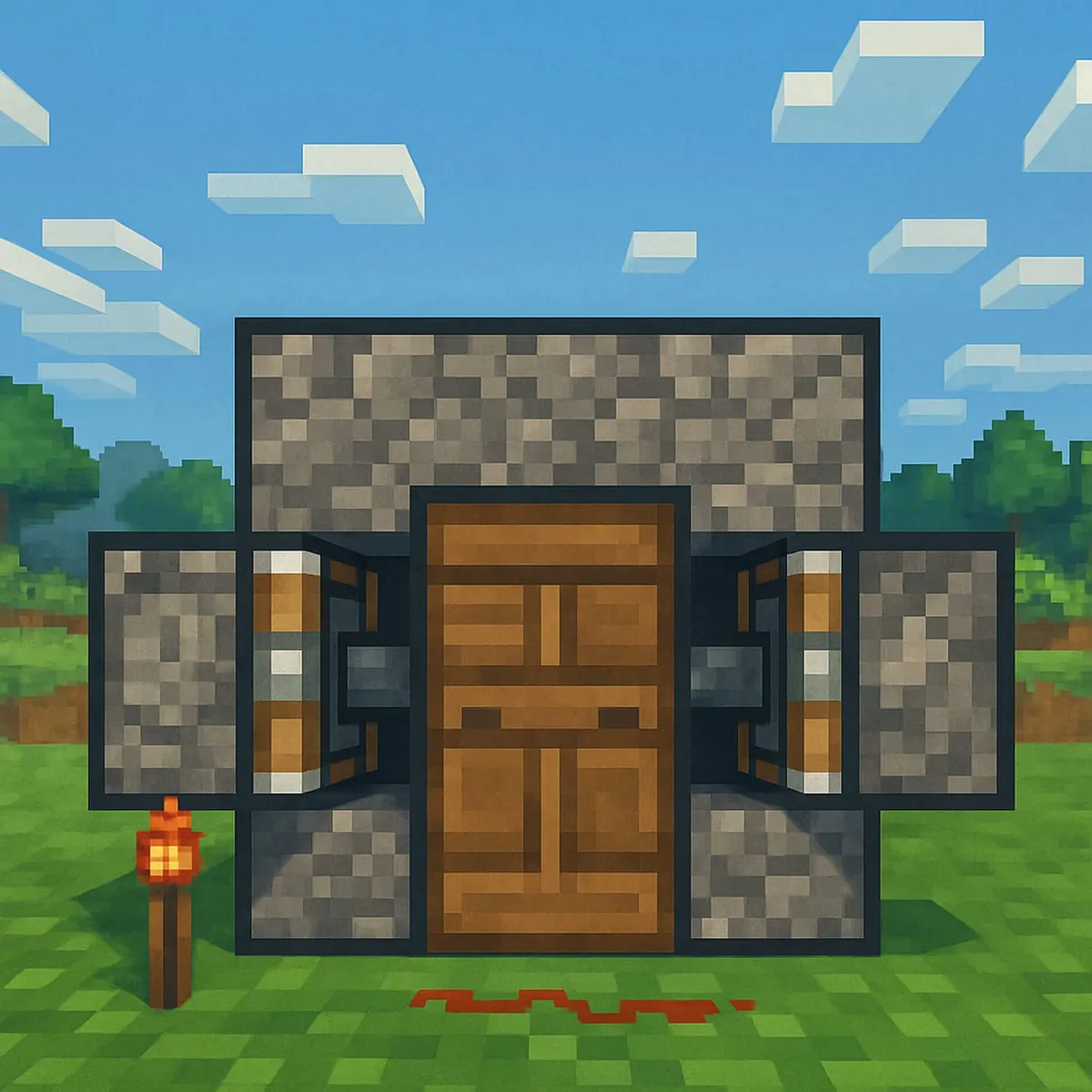
A piston door is a secret door made of sticky pistons, redstone and ordinary blocks. When you press a button, the pistons retract and pull the door blocks out of the way. Shortly afterwards the wall slides shut again, and from the outside you can’t see a thing. Here you’ll find the complete materials list, the building steps for the video and a simple explanation of what the redstone circuit actually does.
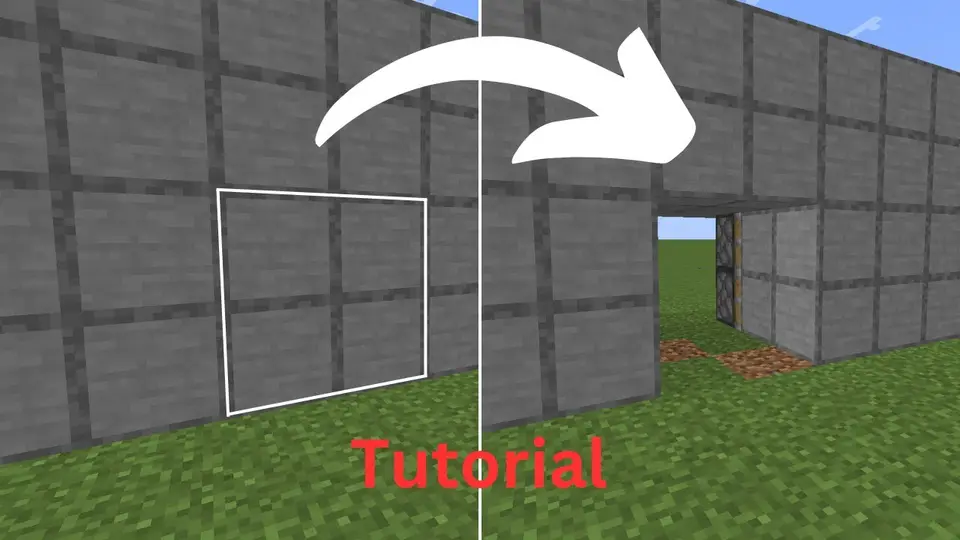
Note: the video above is in German.
2×2 Piston Door Explained Simply
The door in the video by German YouTuber NiwraYT is 2 blocks wide and 2 blocks tall – big enough to walk through comfortably. It can be opened from outside and inside with one button each and closes again by itself. It was built and tested for Java Edition (version 1.19/1.20). According to the video description, it doesn’t work in Bedrock Edition.
Does it work in the current version? As of October 2026, the current version is Java Edition 26.3 “Wilderness Bound”. Nothing fundamental has changed about how pistons, repeaters and redstone torches work since 1.20, so the door should still work today. It’s best to build it in a Creative test world first.
Materials List
According to the video, you’ll need:
| Component | Amount | Recipe |
|---|---|---|
| Sticky piston | 12 | 1 piston + 1 slimeball |
| Piston (intermediate step) | 12 | 3 planks, 4 cobblestone, 1 iron ingot, 1 redstone |
| Redstone repeater | 5 | 3 stone, 2 redstone torches, 1 redstone |
| Redstone dust | 10 | – |
| Redstone torch | 1 | 1 stick + 1 redstone |
| Button | 2 | 1 stone or 1 plank |
| Door blocks | 4 | ideally the same material as the wall |
| Building blocks | a few | Wall, cover over the circuitry |
Added up in raw materials: 12 iron ingots, 12 slimeballs, 38 redstone, 36 planks, 48 cobblestone, 15 stone (smelted cobblestone) and 11 sticks – plus door blocks and building material. Slimeballs are the hardest part: they come from Slimes, which appear at night in swamps or deep underground in so-called slime chunks.
What Does Each Component Do?
- Sticky piston: Extends when it receives a redstone signal and pushes the block in front of it away. When it retracts, it pulls the block back with it. A regular piston would only push the block away and leave it there.
- Redstone torch: Provides a constant signal. In this door it keeps the pistons extended, so the door is closed by default.
- Button: Only gives a short signal. A stone button stays pressed for 1 second, a wooden button for 1.5 seconds.
- Redstone repeater: Boosts the signal back to full strength (redstone dust loses strength with every block) and delays it. Right-click to set the delay between 0.1 and 0.4 seconds.
The principle: the torch keeps the door shut. When you press the button, its signal is briefly interrupted, the pistons retract and pull the door blocks into the wall – the doorway is open. As soon as the button’s signal is over, the pistons extend again and the door is closed. The repeaters on their highest setting make sure you have enough time to walk through.
Step-by-Step Building Guide
This is how the build goes in the video. Pause the video at the right moments to see the exact position of each component:
- Clear the doorway: Remove a 2×2 area from your wall.
- Place the pistons: Place the sticky pistons behind the door – on the left with one block of space to the door frame, and the same on the right. Add pistons facing forward toward the door.
- Insert the door blocks: Place the four door blocks in front of the pistons. In the video they’re iron blocks for clarity. For your secret door, use the same material as the wall so it blends in.
- Build the cover: Lay a layer of blocks over all the pistons and the doorway, reaching one block further. The circuit runs on top of it.
- Circuit on top: Above the outer pistons on each side, place two redstone dust, then two repeaters on maximum delay, then redstone again. Next to it, place a building block with the redstone torch attached – now the door closes.
- Outside button: Run a redstone line down to the outside, put two repeaters in it and a button directly behind them. When you press it, the door opens and then closes again.
- Inside button: Extend the line to the inside, add one repeater on the highest setting and the second button on the opposite side.
- Test it: Open and close the door several times from both sides.
Tips for Customizing
- More time to walk through: Add extra repeaters or use a wooden button instead of a stone one.
- Make it invisible: Choose door blocks and cover from the same material as the wall and hide the button, for example next to a painting or in a row of decorative buttons.
- Pressure plate instead of a button: On the inside, a pressure plate can be handy because the door then opens by itself as you walk out. On the outside, though, it’s too obvious for a secret door.
Common Mistakes
- Regular instead of sticky pistons: The door closes once and never opens again, because the block stays where the piston pushed it.
- Repeater facing backwards: A repeater only passes the signal in the direction its tip points.
- Twisted pistons: Every piston must face exactly the block it’s supposed to move.
- The signal only reaches one side: Check that the line across the cover is connected all the way.
Java vs. Bedrock
Pistons behave differently in the two editions (Minecraft Wiki: Piston). Java Edition has so-called quasi-connectivity: a piston there also extends when, strictly speaking, only the space directly above it is powered. Bedrock Edition doesn’t have this, and pistons there also respond with a different delay. That’s why many redstone builds from Java videos don’t work in Bedrock, or only with changes. We explain which edition you have in All Minecraft Editions for PC and Consoles.
Tip for Parents
A piston door is a great introduction to redstone, Minecraft’s “electricity” system. Kids learn basics through play that also exist in real electronics: switches, constant signals, delays and inversion. When something doesn’t work, it’s time to troubleshoot – good practice in patience. It’s best to build the door together in a Creative world, where all the materials are available right away. If you’re looking for another project afterwards, check out the Copper Golem as a sorting helper or a simple starter house, where the secret door fits in nicely.
Frequently Asked Questions
What materials do you need for a 2×2 piston door?
For the door in the video you need 12 sticky pistons, 5 redstone repeaters, 10 redstone dust, 2 buttons, 1 redstone torch, 4 blocks for the door and a few building blocks. In raw materials, that includes 12 iron ingots, 12 slimeballs and 38 redstone.
What’s the difference between a piston and a sticky piston?
A regular piston only pushes blocks away. A sticky piston also pulls the block in front of it back when it retracts. For a door that opens and closes, you therefore need sticky pistons. You craft one from a piston and a slimeball.
Does the piston door work in Bedrock Edition?
This door doesn’t. Its creator tested it in Java Edition and says himself that it doesn’t work in Bedrock. Pistons behave differently in Bedrock; for example, so-called quasi-connectivity doesn’t exist there. For Bedrock you need a guide made specifically for that edition.
Why won’t my piston door close properly?
Common causes: a regular piston was used instead of a sticky one, a piston is facing the wrong way, a repeater is placed backwards, or the redstone torch is missing. Check the circuit piece by piece and compare it with the video.
How do you get slimeballs for sticky pistons?
Slimeballs are dropped by Slimes. You’ll find them at night in swamps or deep underground in so-called slime chunks. Sneezing baby pandas also sometimes drop a slimeball.
Conclusion
With 12 sticky pistons, a bit of redstone and a torch as a constant signal, you can build a 2×2 secret door that looks like an ordinary wall from the outside. The key is understanding the principle: the torch keeps the door shut, the button briefly interrupts the signal, and the repeaters give you time to walk through. Once you’ve built it, you can make the door slower, more invisible or bigger – and you’re right in the middle of the world of redstone.
More on this topic #Building Guide
See all
How to Make a Perfect Circle in Minecraft
Build circles and spheres in Minecraft: block patterns for diameters 5 to 25, circle generators, and the WorldEdit commands //cyl and //sphere explained.

How to Build a Simple Minecraft House
Build a Minecraft starter house: a material list with amounts, a 7×7 layout in 10 steps, first-night survival tips and variants in stone or with a gable roof.