Server IP and Port: What a Minecraft Server Address Means
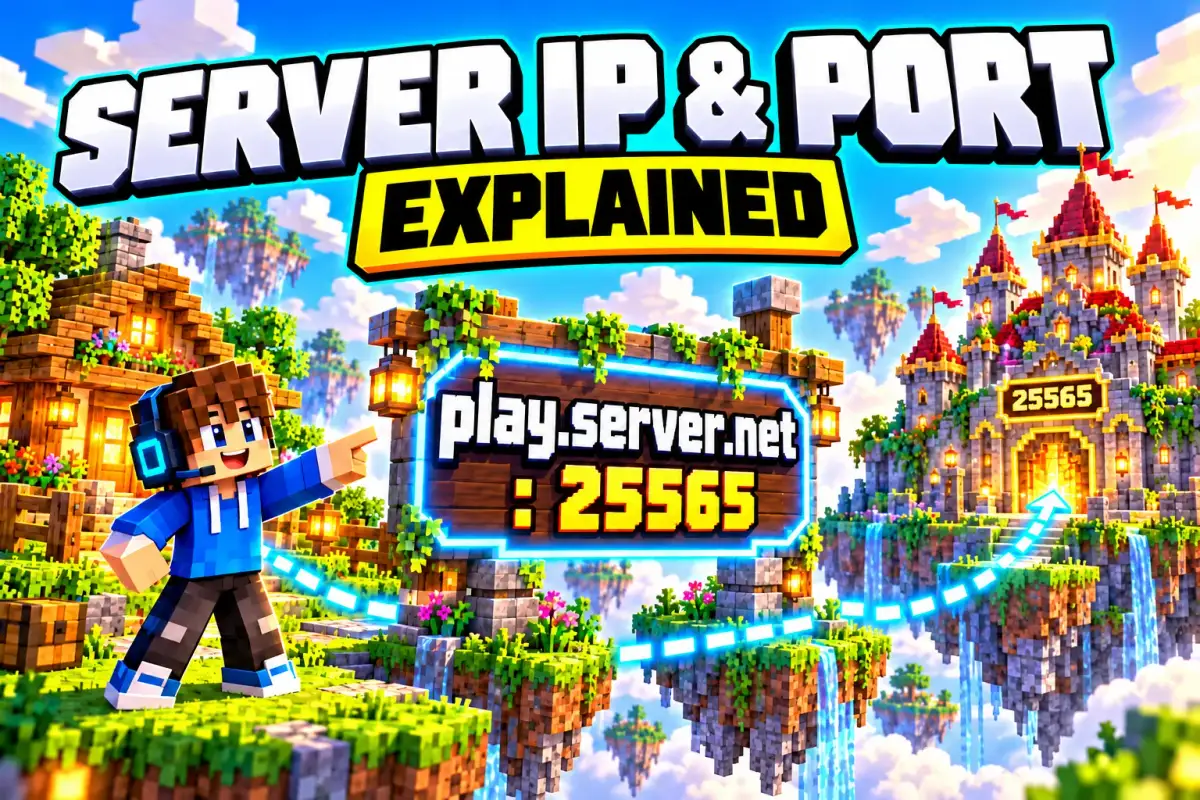
The server IP is the address your Minecraft uses to find a multiplayer server on the internet, and the port is the “door” at that address that the game walks through. Together they work like a street address with an apartment number: without the right address you won’t get there, without the right door you won’t get in.
In short: What Minecraft players call the “server IP” is usually a name like mc.hypixel.net, not a row of numbers. On most servers the port is invisible because they use the default: 25565 in Java Edition, 19132 in Bedrock Edition. For parents, one rule matters most: the address of a big server is fine to share anywhere, but your own home IP never is.
This post is part of our “Server terms explained” series. What a server actually is, you’ll find in What Is a Minecraft Server?.
What is an IP address?
Every device on the internet has an IP address, a series of numbers like 203.0.113.25 (IPv4) or a longer version with letters and colons (IPv6). Because nobody can remember numbers like that, there are domain names: hypixel.net or gommehd.net are automatically translated into the matching IP address in the background, much like a phone book turns a name into a number.
That’s why players say “server IP” but almost always type a name. Both work; the name is just more convenient and stays the same even if the operator moves to a different machine.
| Term | Example | What it is |
|---|---|---|
| Domain name (“server IP”) | mc.hypixel.net, play.cubecraft.net | The server’s name that you type in |
| IP address | 203.0.113.25 | The real number behind it |
| Port | 25565 (Java), 19132 (Bedrock) | The “door” on the server that Minecraft uses |
localhost | localhost | Your own computer, when the server runs on the same PC |
What is a port?
A computer runs many programs at once, all reachable through the same IP address. The port says which program is meant. According to the Minecraft Wiki (accessed October 31, 2026), these are the default ports:
- Java Edition: TCP port 25565
- Bedrock Edition: UDP port 19132, plus 19133 for IPv6 (Minecraft Wiki: server.properties)
If a server uses the default port, you don’t need to enter it. Some servers run on a different port, for example when several Minecraft servers share one machine. Then you have to add it.
Since Java Edition 1.3.1, operators can also hide the port behind their domain name. This works with a so-called SRV record in the name service (_minecraft._tcp.<domain>), which tells the game which port the server is really listening on (Minecraft Wiki: Setting up a Java Edition server, accessed October 31, 2026). For you as a player, that means: you just type the name and the game handles the rest.
How to enter a server address
Whether your child can type in the address depends on the edition. Our overview of all Minecraft editions explains the differences.
Java Edition (PC and Mac)
- Open Multiplayer and choose Add Server.
- Enter the name under Server Address, for example
mc.hypixel.net. - If the server uses a different port, add it after a colon:
example.com:25570. - Save with Done and the server appears in your list.
Bedrock Edition (phone, tablet, Windows)
- Open Play and switch to the Servers tab.
- Tap Add Server.
- Enter a Server Name (anything you like), the Server Address (for example
play.cubecraft.net) and the Port. The port field is pre-filled with 19132.
Two examples from our server list: we track The Hive with a Bedrock address only (geo.hivebedrock.network), while CubeCraft is reachable for Java and Bedrock at the same address, play.cubecraft.net.
Consoles (Xbox, PlayStation, Switch)
According to the Minecraft Wiki, consoles don’t let you enter custom server addresses. There you can only pick the featured partner servers in the Servers tab and Realms. For parents, that’s a built-in barrier: a child on a console can’t end up on just any server they saw in a video.
Where to find server addresses
- Official server websites: Big servers show their address on their homepage. Hypixel, for example:
mc.hypixel.net. We measure how busy it is ourselves: at our latest check (November 1, 2026, 12:00 PM UTC), 22,958 players were online. More in our Hypixel profile. - Server lists on the web: Thousands of servers advertise there. The lists are handy, but they don’t check whether a server is suitable for kids.
- Friends: If friends have their own server, for example on Aternos or another free host, you’ll get an address like
name.aternos.me. Addresses like that belong to the host, not to your friend’s home connection.
Why you don’t share your home IP
This is the most important difference for parents. The address of a big server is public; anyone may know it. It’s a completely different story when a child starts a server on their own PC and gives friends the IP address of the family’s internet connection. For that to work from outside at all, port forwarding has to be set up on the router. The Minecraft Wiki explicitly warns that incorrect settings can lead to security problems and that you should close the port again when it’s no longer needed (Setting up a Java Edition server).
What your home IP reveals and what can happen:
- Rough location and provider: An IP address usually reveals the region and the internet provider. Not the exact house number, but more than strangers should know.
- Attacks on your connection: Anyone who knows the IP can try to flood it with junk traffic (DDoS). Then the internet goes down for the whole household.
- An open door in the router: Forgotten port forwarding stays open, even when nobody is playing anymore.
The reverse is also true: every server your child plays on sees their IP address. That’s how the internet works. With big, well-known servers this isn’t a problem. With a server a stranger advertises in chat, it’s one more reason to take a look together first.
What parents should know
- Sharing a server address: yes. Sharing your home IP: no. Teach your child the difference. Anyone who starts a server at home and sends friends a plain row of numbers as the address is usually sharing the home IP.
- Safer ways to play with friends: Realms (invited players only, also on consoles), a free host like Aternos, or a rented server from our hosting comparison. Then the host’s address is in the list, not yours.
- Costs: A server address costs nothing. Your own domain name for a server, on the other hand, is usually paid according to the Minecraft Wiki, and you don’t need one for a kids’ server.
- Control: Look at the server list in the game together. Every entry there is a server your child added themselves. On consoles this doesn’t apply, because only the partner servers show up there.
Frequently asked questions
What is a Minecraft server IP?
The server IP is the address your Minecraft game uses to find a server on the internet. Usually it isn’t a block of numbers but a name like mc.hypixel.net, which the internet translates into a real IP address in the background.
Which port does Minecraft use?
According to the Minecraft Wiki, Java Edition uses TCP port 25565 by default and Bedrock Edition uses UDP port 19132 (19133 for IPv6). If a server runs on the default port, you don’t have to type the port.
Do I have to add the port to the server address?
Only if the server uses a port other than the default. In Java Edition you add it after a colon (for example example.com:25570); in Bedrock Edition there is a separate “Port” field.
Is it dangerous to share my own IP address?
The IP address of your home internet connection roughly reveals where you live and which provider you use, and it can be targeted by flooding attacks. Your child should never post it in chats or on Discord. For playing with friends, Realms or a rented server is the safer choice.
Why can’t I enter a server IP on my console?
On Xbox, PlayStation and Switch, Minecraft doesn’t allow custom server addresses, according to the Minecraft Wiki. There you can only choose the featured partner servers and Realms.
Sources
Minecraft Wiki: Server (default ports, consoles), Minecraft Wiki: server.properties (server-port, server-portv6), Minecraft Wiki: Setting up a Java Edition server (SRV record, localhost, port forwarding), all accessed October 31, 2026. Player counts: our own measurement every 30 minutes.

Minecraft Realms Explained: Cost, Safety and Who It's For
What is Minecraft Realms? Prices for Bedrock and Java, who can join, how safe Realms is for kids and when Aternos or your own server is the better pick.

Minecraft Bedrock vs Java Edition
Minecraft Bedrock vs Java compared: the key differences in gameplay, mods, platforms, performance and crossplay at a glance, so you can pick the right one.

All Minecraft Editions for PC and Consoles
Java or Bedrock? Every Minecraft edition for PC, console and mobile compared: prices, crossplay, mods, Realms and a clear recommendation for parents.