Minecraft Realms Explained: Cost, Safety and Who It's For
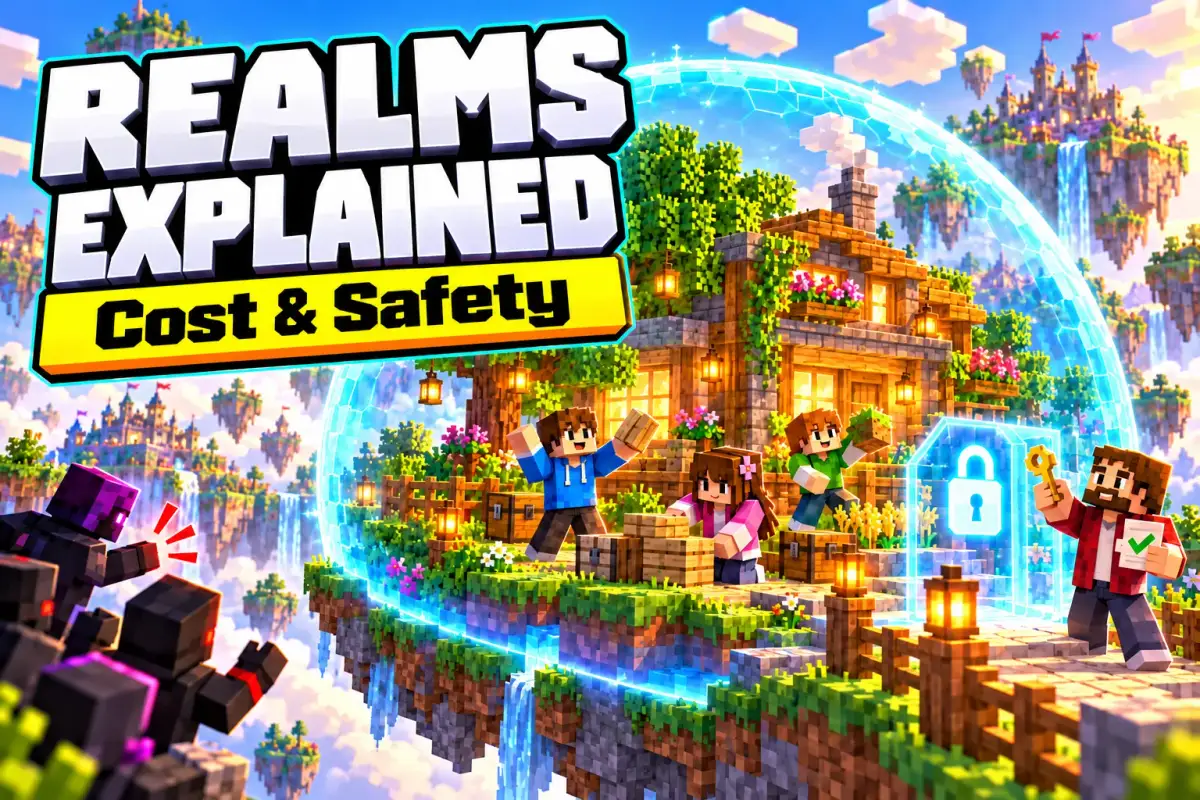
Minecraft Realms is the official server service from Mojang and Microsoft: for a monthly fee you rent a small, private server where only players you invite can join. The world runs around the clock, even when you aren’t playing. Here’s what Realms costs, how safe it is for kids and when another option fits better.
In short: Realms is the easiest way to share a world with friends, especially on consoles. According to minecraft.net (as of October 2026) it costs $3.99 (Bedrock, up to 3 players at once) or $7.99 a month (Realms Plus or Java, up to 11 at once). Only the owner pays; friends play for free. For kids, Realms is one of the safest ways to play online, because strangers can’t get in without an invite. If you don’t want to pay or want mods, take a look at free servers like Aternos.
What is a Realm?
A Minecraft server is a computer that runs a world several players can connect to. Normally someone has to look after it: rent a server, set it up, install updates. With Realms, Mojang does that for you. You subscribe in the game, pick a world and invite friends, and you’re done.
What matters day to day:
- Always online: The Realm runs 24 hours a day. Invited friends can keep building even when the owner is offline.
- Three world slots: Every Realm has three persistent world slots. You could keep a survival world, a creative world and an adventure map ready and switch between them.
- Backups included: Older versions of the world are saved. If something gets wrecked, you can restore an earlier version.
- Lots of invites, few at a time: According to minecraft.net, you can invite up to 10,000 friends. What’s limited is how many play at the same time.
How much does Realms cost?
There are three plans. minecraft.net lists the prices in US dollars; the exact amount in your currency appears when you subscribe in the game or in your platform’s store.
| Plan | Edition | Price per minecraft.net | Playing at once | Extras |
|---|---|---|---|---|
| Realms | Bedrock | $3.99/month | you + 2 | Marketplace content supported, Realms Stories |
| Realms Plus | Bedrock | $7.99/month | you + 10 | plus the Marketplace Pass catalog |
| Realms for Java | Java | $7.99/month | you + 10 | free community content (minigames, maps) |
Source: minecraft.net – Realms, retrieved October 2026.
A few more points parents should know:
- One month free: New subscribers can try Realms for a month. After that, the subscription renews automatically at the then-current price until it’s cancelled. Put the end of the trial in your calendar.
- Only the owner pays: Invited friends play for free. They do need their own copy of Minecraft in the same edition.
- Consoles cost extra: For online multiplayer on Xbox, PlayStation and Switch, each platform requires its own online subscription, which isn’t included in Realms (Xbox: Game Pass, PlayStation: PlayStation Plus, Switch: Nintendo Switch Online). More in our comparison of all Minecraft editions.
- Realms Plus and the Marketplace: Realms Plus includes the Marketplace Pass, a rotating catalog of worlds, skins and texture packs to try. Items leave the catalog again; to keep them, you have to buy them. Kids should know that this involves real money.
Bedrock or Java: which Realm fits?
Realms exist separately for each edition; a shared Realm for Java and Bedrock isn’t possible.
- Bedrock Realms run on phones and tablets (Android, iOS, Amazon Fire), Windows PCs, Chromebooks, Xbox, PlayStation and Nintendo Switch. All of these devices can play together on one Realm. For families with a console, this is the obvious choice, because consoles don’t let you enter your own server addresses.
- Java Realms run on Windows, Mac and Linux. You can’t install your own mods or plugins there; if you want that, you need a rented server or Aternos.
How safe is Realms for kids?
Realms is one of the safest ways to play online with others. The main reason: only invited players can join a Realm. Unlike big public servers such as Hypixel, your child won’t run into strangers there, as long as the member list is clean.
That doesn’t happen on its own, though. Keep an eye on these points:
- Don’t pass invite links around: Besides inviting by gamertag, there are shareable invite links. Anyone with the link can join. It doesn’t belong in class group chats, Discord servers or video comments.
- Check the member list together: The owner sees every member and can remove them. Go through the list together now and then: does your child know every name in real life?
- Hand out permissions sparingly: In Bedrock you can set permissions for each player, for example visit-only instead of building. Only give operator rights, which allow commands, to players you trust. Otherwise you risk griefing, the deliberate destruction of builds.
- Block and report: According to minecraft.net, a blocked player can’t join your Realm even with an invite, and reports go to the Minecraft and Xbox moderation team. Both work straight from the pause menu.
- Use backups: If something does get destroyed, you can restore the world from a backup. That takes a lot of the drama out of it.
Microsoft family settings
Important for younger kids: according to the Minecraft team, multiplayer and communication start out blocked on Microsoft child accounts. A child can’t join Realms or servers until an adult allows it. You’ll find the settings in the Xbox or Microsoft family settings (also available as the Xbox Family Settings app):
- Allow joining multiplayer games, otherwise Realms won’t work.
- Set communication to “Friends” if your child should only chat with people they’ve added as friends.
- Require approval for purchases in the family group, so neither a Realms subscription nor Marketplace content gets bought without your okay.
Whether online play suits your child’s age at all is covered in our guide What age should kids start playing Minecraft?.
Realms, Aternos, your own server or LAN?
Realms isn’t always the best choice. Here’s how the options compare:
| Option | Cost | Consoles | Mods/plugins | Online when nobody plays | Tech effort |
|---|---|---|---|---|---|
| Realms | monthly subscription | yes (Bedrock) | Java no, Bedrock add-ons only | yes | very low |
| Aternos | free | only via workarounds | yes | no, start-up queue | low |
| Rented server | monthly rent | only via workarounds | yes | yes | medium |
| Your own PC | electricity | only via workarounds | yes | only while the PC is on | high |
| LAN | free | yes | – | no | very low |
Realms is worth it if
- your child wants to play with friends on Xbox, PlayStation or Switch,
- the group is small and known (siblings, school friends, family),
- the world should always be available without anyone handling the tech.
Probably not if
- you want to use mods or plugins (then Aternos or a rented server),
- siblings only play together at home (then LAN is enough),
- lots of friends are online at once, all on Java, and nobody should spend money.
What words like Realm, op or whitelist mean is explained in Minecraft terms explained: 30 words every parent should know.
How to set up a Realm
- Create a Microsoft account or sign in with your child’s account. Child accounts must belong to a family group with an adult.
- In Minecraft, choose “Play” → “Create Realm” (Bedrock) or “Minecraft Realms” in the main menu (Java).
- Start the subscription or free trial. For child accounts, it’s best to pay from the parent account.
- Pick a world: a new world, upload an existing one or use a template.
- Invite friends: by gamertag from the friends list or with an invite link. Then set the permissions.
The official step-by-step guides with videos are under “Realms Tutorials” on minecraft.net.
Frequently asked questions about Minecraft Realms
How much does Minecraft Realms cost?
According to minecraft.net (as of October 2026), Realms for Bedrock costs $3.99 a month, Realms Plus for Bedrock $7.99 and Realms for Java also $7.99. The exact price in your currency is shown when you subscribe in the game or in your platform’s store. New subscribers get a one-month free trial.
Do friends have to pay for Realms?
No. Only the Realm owner pays. Invited friends play for free, but they need their own copy of Minecraft in the same edition and, on consoles, their platform’s online subscription.
Is Minecraft Realms safe for kids?
Realms is one of the safest ways to play online with others, because only invited players can get in. It still needs some ground rules: invite links can be passed on, and every member can write in the chat. Parents should check the member list with their child and use Microsoft’s family settings.
Can Java and Bedrock players play together on one Realm?
No. Java Realms and Bedrock Realms are separate. Bedrock Realms connect phones, tablets, Windows PCs, Xbox, PlayStation and Switch, while Java Realms run on Windows, Mac and Linux.
Why can’t my child join a Realm?
Usually it’s the account settings. According to the Minecraft team, multiplayer and communication start out blocked on Microsoft child accounts. An adult has to allow joining multiplayer games in the Xbox or Microsoft family settings. On consoles, the platform’s online subscription is also required.
Is Realms better than Aternos?
It depends on what you need. Realms costs money, but it runs around the clock, works on consoles and needs no technical setup. Aternos is free and supports mods and plugins, but it has a start-up queue and shuts down when nobody is playing. For families with consoles, Realms is usually the easier choice.
Sources
Prices, player counts, world slots, platforms and free trial: minecraft.net – Realms (retrieved October 2026). Blocking, reporting, permissions and child accounts: minecraft.net – How to Stay Safe Online. Family settings: Xbox Support – Manage a member’s safety settings to access Minecraft features.