Minecraft Terms Explained: 30 Words Every Parent Should Know

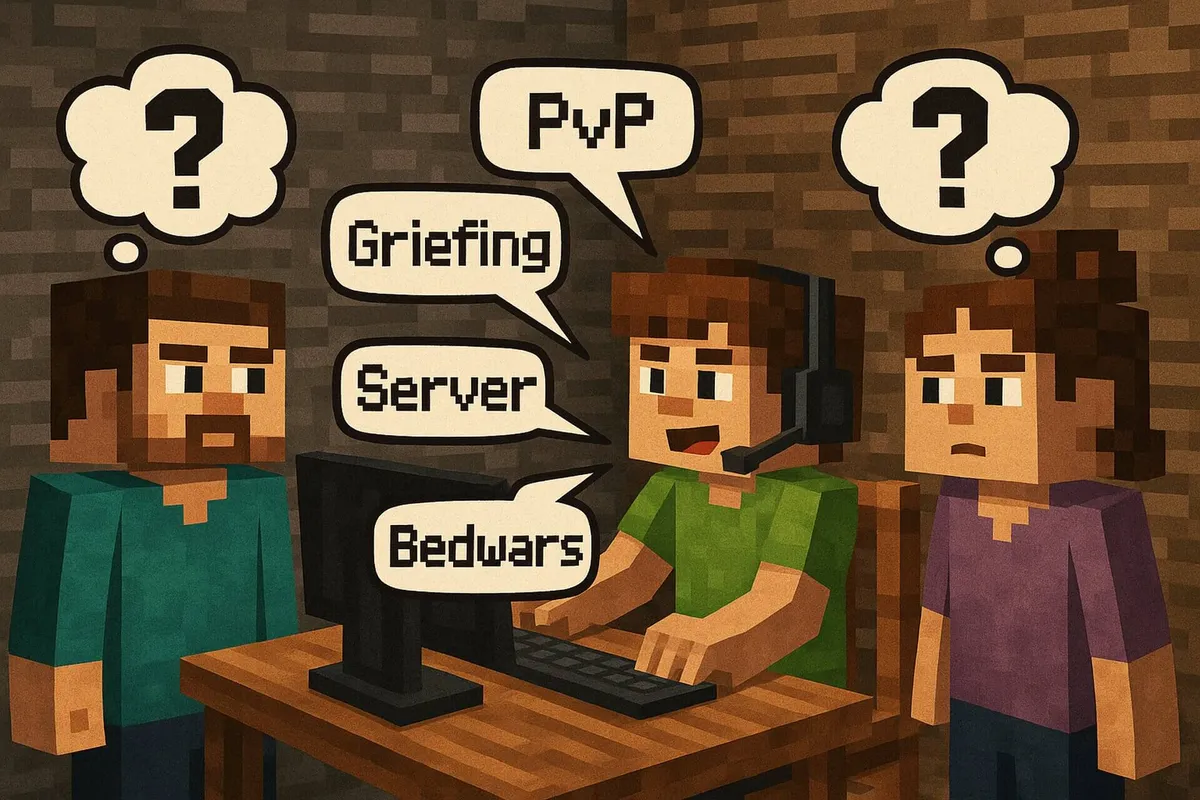
Plenty of parents know the feeling: your child is excitedly telling you about “PvP”, “griefing” or “Bedwars” – and it all sounds like a foreign language to you. To help you make better sense of conversations about Minecraft, YouTube and streams, here are the 30 most important terms, each explained in a nutshell (as of October 2026). For some topics, we link to more detailed articles where you can read up on everything at your own pace.
- Griefing
“Griefing” means a player deliberately spoils the fun for others – for example by destroying houses, emptying chests or killing animals. It’s banned on most servers and can get a player banned. - Trolling
“Trolling” means deliberately tricking or provoking others, usually as a “joke”. It ranges from harmless pranks to genuinely hurtful behavior – and the line into bullying is easily crossed. - Stream sniping
“Stream sniping” happens when someone watches a player’s livestream and uses that live information to hunt them down in the game, sabotage them or kill them. For streamers, this is extremely frustrating and unfair. - Aimbot
An “aimbot” is a cheat program that automatically aims at other players – especially in combat modes. Anyone who uses aimbots gains an unfair advantage and risks permanent bans on servers. - Alt+F4 prank / “Freaker-Mod” / “Freecam aktivieren”
In the German YouTube scene, terms like “Freaker-Mod” or “Freecam aktivieren” (“activate freecam”) are sometimes used, even though all they really mean is the key combination Alt+F4 – which closes the game instantly on Windows. It’s a typical prank to kick someone out of a round or to get a laugh. - PvP
“PvP” stands for “Player versus Player”. Here, kids and teens fight each other directly – with swords, bows or special abilities on dedicated servers or in minigames. The opposite is “PvE” (Player versus Environment): fighting monsters controlled by the game. - Bedwars
“Bedwars” is a popular game mode: teams defend their bed while trying to destroy the other teams’ beds. As long as your own bed is standing, you can respawn – once it’s gone, you’re out for good the next time you die. - Skyblock
In “Skyblock”, you start on a tiny floating island with very few resources. The goal is to gradually build a large, working world through smart building and clever resource management. - Craft Attack
“Craft Attack” is a big YouTube and Twitch project in which many German-speaking Minecraft creators play together on one server; the videos are in German. For German-speaking kids, it’s often THE reference point when it comes to multiplayer, building bases and group activities. The current season, Craft Attack 14, started on October 10, 2026. - SMP (Survival Multiplayer)
“SMP” refers to a multiplayer server where people play in the normal Survival mode. It’s all about building, farming and trading together – and about sticking to the server rules so the world works for everyone. - Hardcore
“Hardcore” is a particularly tough game mode in Minecraft: it’s always locked to the hardest difficulty – and above all, you only have one life. If your character dies, you can’t keep playing in that world, which makes playing exciting but also very nerve-racking. - Client or launcher
A “client” is a special variant or modified way of launching the game that offers extra features, better performance or more convenience. Examples include Lunar Client, Badlion and Feather. The “launcher” is the program you use to start the game – officially, the Minecraft Launcher. You’ll find an overview in our article The 5 Best Minecraft Clients. - Mod (moderator)
A mod or moderator is something like the supervisor on a Minecraft server: they make sure everyone sticks to the rules and can warn players, mute people who are being disruptive or, if necessary, kick them off the server, so that playing stays fair and enjoyable for everyone. (In German, the two meanings of “mod” are told apart by the article – “der Mod” is the moderator, “die Mod” the modification. In English, only the context tells you which one is meant.) - Mod (modification)
“Mods” are add-ons that bring new content or features into the game – for example extra blocks, machines, animals or convenience features. Classic mods (for example via Forge, Fabric or NeoForge) only exist for the Java version – Bedrock uses add-ons instead, mostly from the paid Marketplace. Mods are often programmed by fans; only download them from well-known sites. How it works is explained in How to install Minecraft mods. - Modpack
A “modpack” is a collection of several mods that together form a coherent package. Instead of installing each mod individually, kids simply launch the modpack – often with its own focus (tech, adventure, magic and so on). - Texture pack / resource pack
A “texture pack” (these days usually called a “resource pack”) changes how blocks, mobs and surfaces look. That way, Minecraft can look more realistic, more colorful or more cartoon-like, for example – the gameplay itself stays exactly the same. - Shaders
“Shaders” are graphics add-ons that make light, shadows, water and effects look much prettier. With shaders, Minecraft often looks almost like a modern 3D game – but it also needs a more powerful PC. - Bedrock vs. Java
Minecraft comes as “Java Edition” (PC only: Windows, Mac, Linux) and “Bedrock Edition” (consoles, phones, tablets and Windows). Since 2022, buying Minecraft for PC gets you both editions together as “Minecraft: Java & Bedrock Edition for PC”. Bedrock players can play together across devices; Java players only with Java. The current versions are Java 26.3 and Bedrock 26.50 (the “Wilderness Bound” game drop from September 15, 2026). You’ll find every version at a glance in All Minecraft Editions for PC and Consoles and a head-to-head in Minecraft Bedrock vs Java. - Server
A “server” is the shared online world where several players can play at the same time. There are private servers (for example, just for friends) and public servers with their own minigames, rules and moderation. - Realm
“Realms” are paid private servers provided by Mojang/Microsoft that can be set up without much technical know-how. Only invited players can join, and only the Realm owner pays. Bedrock has “Realms” and the bigger “Realms Plus”; Java has “Java Realms”. There, kids can play with their friends in a small, protected world. - Whitelist
A “whitelist” is a list of approved player names. Only people on this list are allowed to join a particular server. For family or kids’ servers, this is an important safety feature. - Seed
The “seed” is a kind of starting code for the world. The same seed produces identical worlds for different players – handy when kids want to recreate worlds from YouTube or explore them together. - Chunk
The world is divided into small sections called “chunks”. They are loaded and saved individually. When kids talk about a “chunk bug”, “chunk loading” or “chunk borders”, they usually mean loading glitches or optimization tricks. - Biome
A “biome” is a type of landscape – for example desert, jungle, taiga or snowy plains. Each biome has its own climate, its own plants and sometimes special mobs. - Redstone
“Redstone” is Minecraft’s tech material. Kids can use it to build circuits, elevators, automatic doors or complex machines – a mix of LEGO Technic and basic electronic logic. - Farm (XP farm, mob farm, iron farm …)
A “farm” is a build that automatically collects resources or experience points (XP) – for example by deliberately spawning and defeating monsters or by automatically harvesting crops. - Nether
The “Nether” is a dangerous, hell-like dimension full of lava, hostile mobs and special resources. Many powerful tools and much of the progress in the game depend on kids learning how to cope in the Nether. - The End & the Ender Dragon
“The End” is another dimension where, at the very end, you can defeat the Ender Dragon. Many kids see it as the “final boss” or the conclusion of the main story – even though you can of course keep on building afterwards. - AFK
“AFK” means “Away from Keyboard” – that is, away from the keyboard and mouse. In Minecraft, some players deliberately leave their character standing somewhere (for example, in a farm) to collect resources automatically while they briefly do something else. - Spawn / respawn point
The “spawn” is the point where you start in the world or reappear after dying (“respawn”). Players can change this point – for example with a bed or special blocks – to avoid long walks.
With these terms, you’ll be much better able to make sense of your child’s conversations, videos and chat messages. This overview is your quick cheat sheet for everyday life. If you want to know from what age Minecraft is a good fit and how to lock down chat and online play, read on in What Age Should My Child Be Allowed to Play Minecraft?
Frequently asked questions
What does PvP mean in Minecraft?
PvP stands for “Player versus Player”. It means fights between real people, for example in minigames like Bedwars. The opposite is PvE, fighting monsters controlled by the game.
Does “mod” mean moderator or modification?
A “mod” can be a moderator, a person who makes sure the rules are followed on a server. A “mod” can also be a modification, an add-on that brings new content into the game. You can usually tell which one is meant from the context.
What is a Realm in Minecraft?
A Realm is a private server that Mojang runs for a monthly fee. Only invited players can join. Bedrock Edition has Realms and Realms Plus; Java Edition has Java Realms.
What does AFK mean?
AFK means “away from keyboard”. Someone who is AFK isn’t actively playing right now. In Minecraft, players sometimes leave their character AFK at a farm on purpose so it collects resources automatically.