What Age Should My Child Be Allowed to Play Minecraft?

Hardly any other game is as popular with children as Minecraft – and hardly any other raises so many questions. Parents wonder: “Is my child old enough yet?”, “Is all that building and playing bad for them?” or “When can they play online with others?”
The short answer: Minecraft is rated PEGI 7 in Europe and the UK, E10+ by the ESRB in the US, and suitable from age 6 by Germany’s USK. But a rating only covers the game itself – not the chat, and not who your child meets on an online server. So beyond age, what matters most is how your child plays and which settings you put in place.
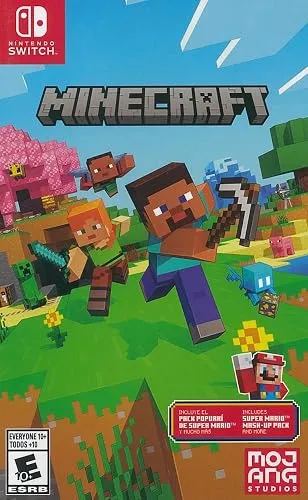
What do PEGI, ESRB and USK say?
| Rating board | Region | Rating | Reasons / notes |
|---|---|---|---|
| USK | Germany | from 6 | cartoon violence, pressure to act, jump scares; contains chat and in-game purchases |
| PEGI | Europe (incl. UK) | 7 | fantasy violence |
| ESRB | US/Canada | E10+ (Everyone 10+) | fantasy violence |
The USK details come from the USK database (including the rating of the Nintendo Switch 2 version from March 17, 2026). The extra notes matter: “jump scares” means monsters in the dark can frighten younger kids. “Contains chat and in-game purchases” means there’s contact with other people and ways to spend money – the rating boards don’t assess either of these, so that part is up to you.
By the way, spin-offs have their own ratings. The USK, for example, rates the action RPG Minecraft Dungeons II (released September 29, 2026) from age 12.
The developmental perspective: When is a child really ready?
Children develop at different speeds – emotionally, cognitively and socially.
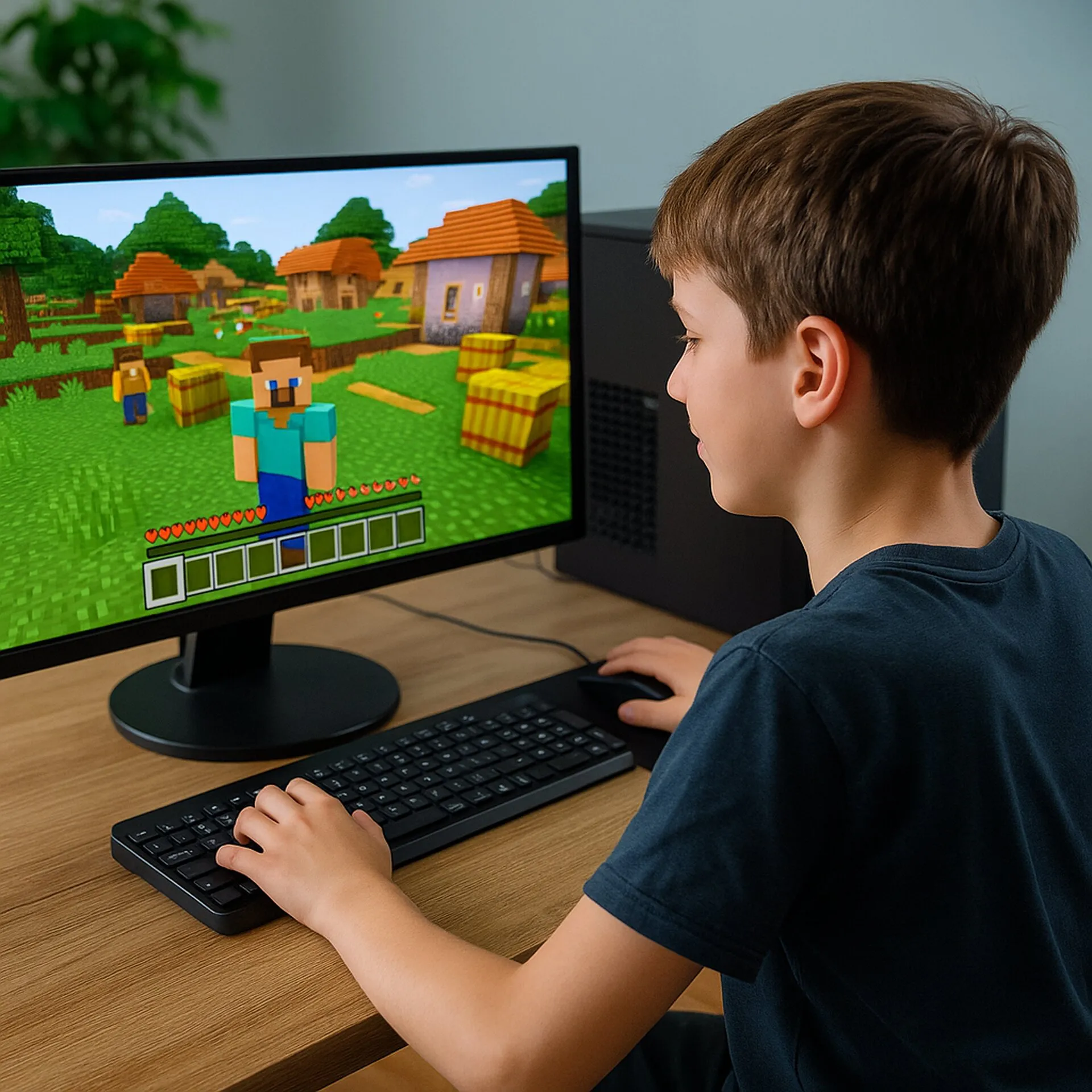
A six-year-old can often already build creatively in Minecraft. In Survival mode, with monsters, nighttime and combat, some kids that age still quickly feel overwhelmed or get scared. Creative mode or the Peaceful difficulty (no hostile monsters) is then a better place to start.
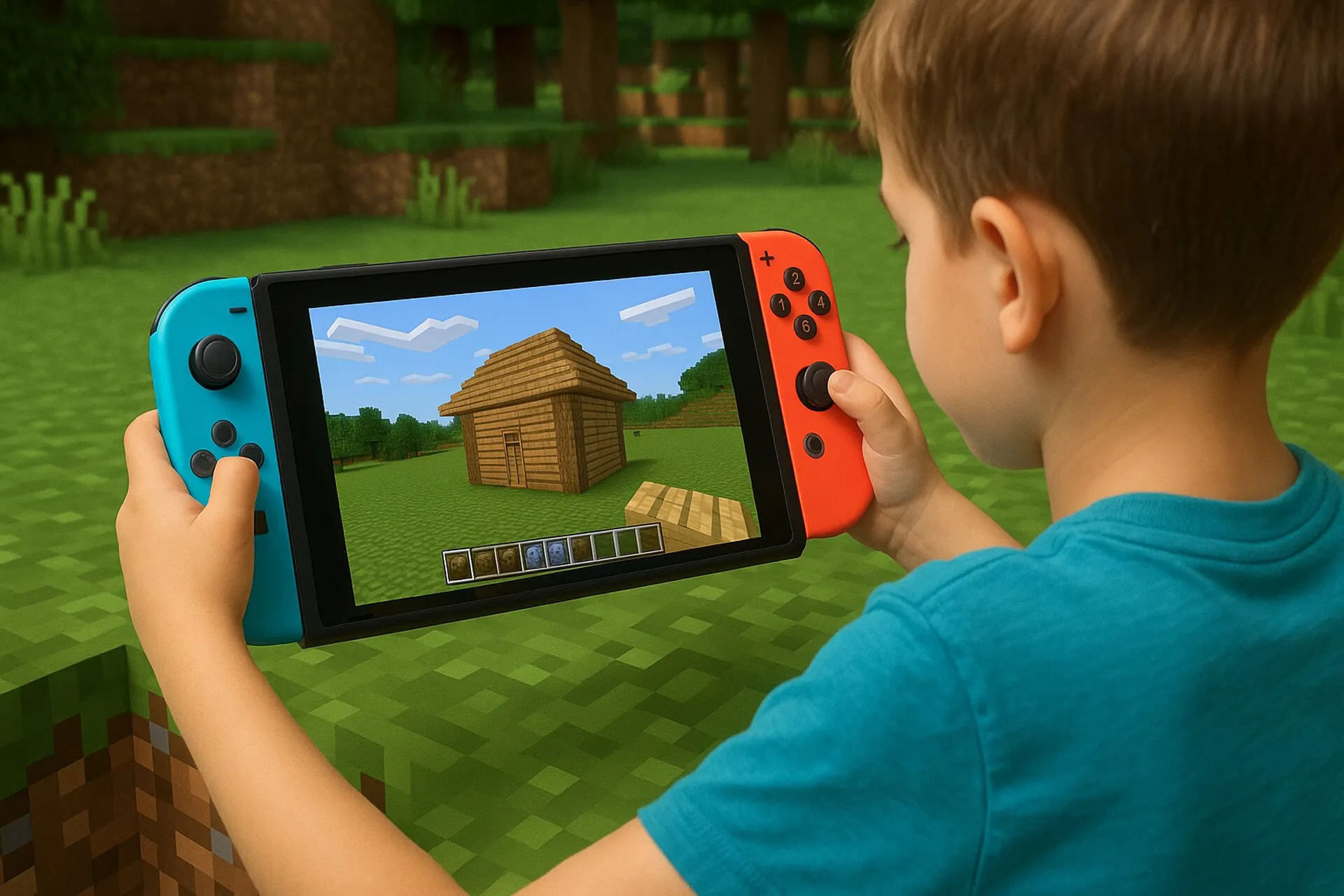
Between the ages of 7 and 9, many children start to plan better, manage resources and understand the rules of the game. Minecraft then becomes a real learning ground: they practice problem-solving, spatial thinking and self-organization.
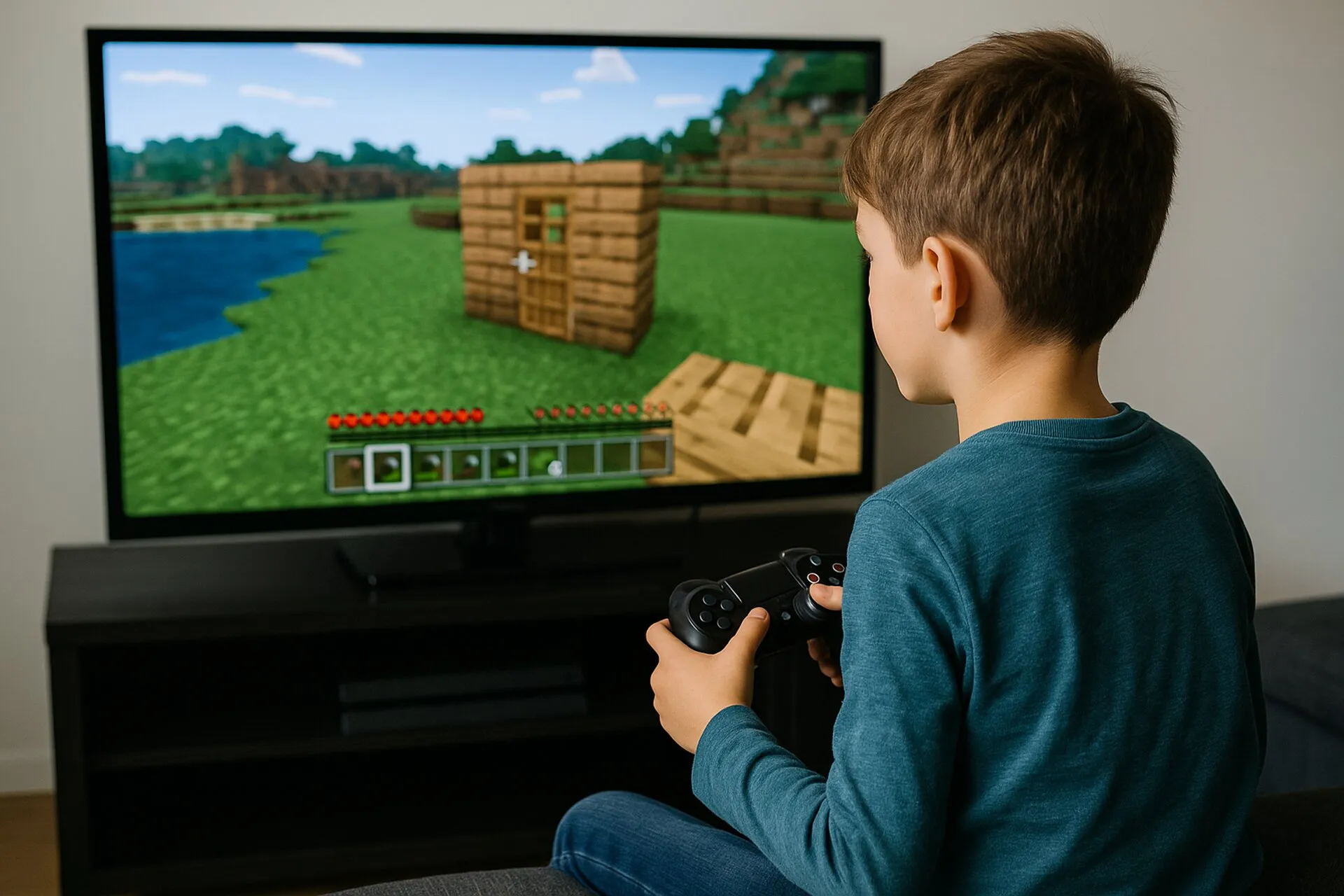
From around age 10, Minecraft can also be played online in a meaningful way – provided parents stay involved and make sure their child plays in protected server environments (e.g. Realms or whitelisted servers).
In short:
It’s not the date of birth that decides, but whether your child can accept rules, cope with frustration and carry out their own projects independently.
Educational opportunities: Why Minecraft is more than a game
Minecraft is even used in schools – with its own version, Minecraft Education. Used the right way, it encourages:
- Creative thinking: Kids create their own worlds and learn to turn ideas into three-dimensional reality.
- Problem-solving skills: Materials have to be gathered, combined and used wisely.
- Collaboration: In multiplayer mode, kids learn cooperation, communication and conflict resolution.
- Self-efficacy: Your child experiences first-hand that their actions make a difference – an important experience for building self-confidence.
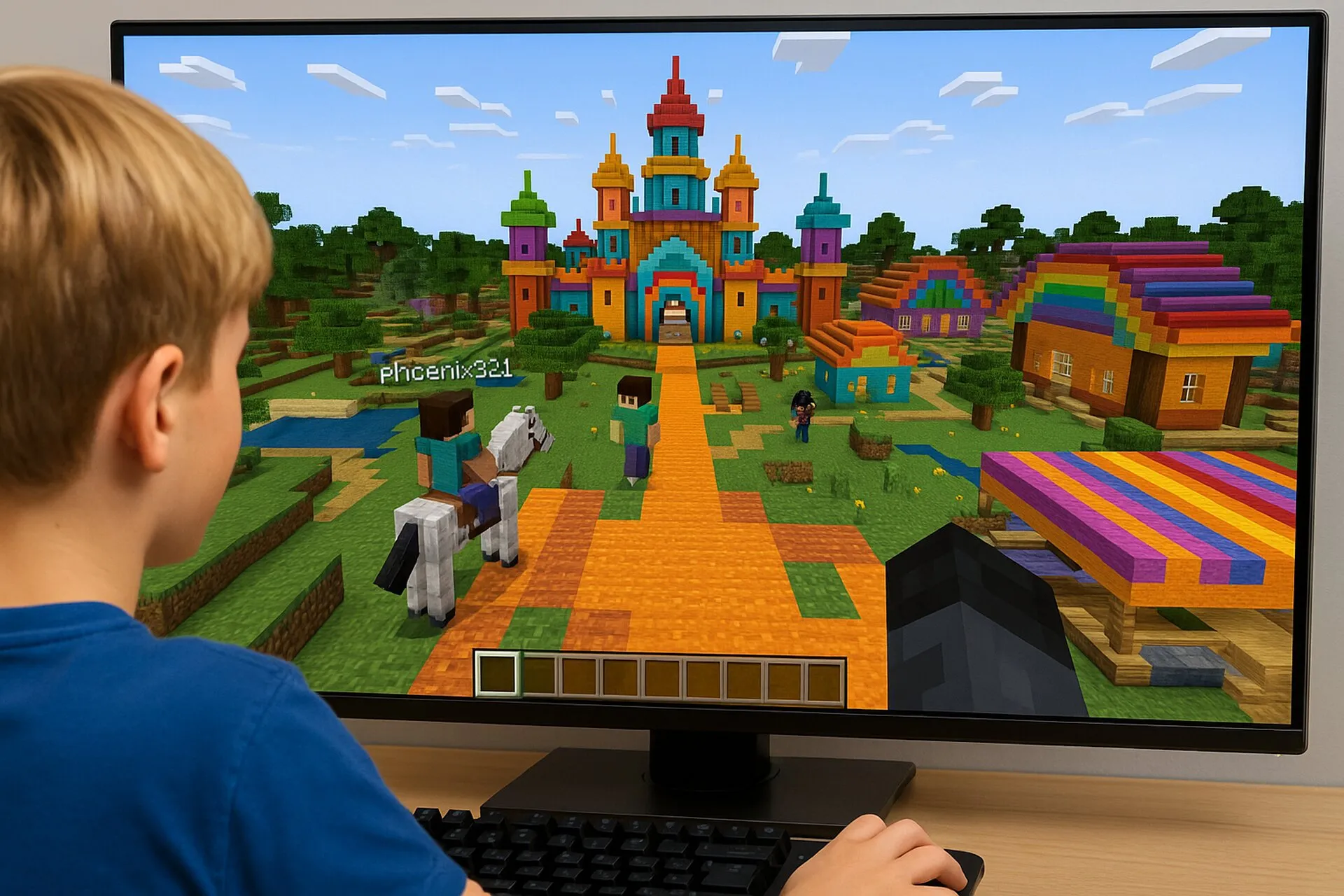
How much of this sticks depends a lot on whether adults set the framework and take an interest in what’s being built. Read more in Understanding Minecraft: An Honest Guide for Worried Parents.
Setting up parental controls: Microsoft family settings
Every child needs a Microsoft account for Minecraft – including for Java Edition on PC. That’s where the most important safety features live. Here’s how to go about it:
- Create a family group: At family.microsoft.com, create a family group and add a child account for your kid with their real date of birth. Depending on their age and country, the child account needs your consent as a parent.
- Manage multiplayer: In the Xbox privacy settings (account.xbox.com or the Xbox Family Settings app), choose whether your child may join multiplayer games: allow, friends only or block.
- Manage communication: Separately, you decide whether and with whom your child may communicate by text and voice. If chat is blocked, your child can still play along but won’t see messages from others.
- Lock down purchases: Turn on purchase approval in the family group. Every Marketplace purchase then comes to you as a request first.
- Screen time: Set time limits per device – on Xbox and Windows via the Microsoft family group, on Switch, PlayStation, iPad or Android via that device’s own parental controls.
On PlayStation and Switch, Sony’s and Nintendo’s parental controls also apply, since online play there requires PlayStation Plus or Nintendo Switch Online.
Chat and online servers: where the real risks are
The game itself is harmless. Things get interesting once other people come into play:
- Realms are private servers run by Mojang. Only invited players can join – ideal for kids who want to play with friends from school or family.
- Public servers (e.g. minigame servers) have their own rules and moderators, but also open chat with strangers. This is where kids run into griefing, trolling and sometimes unpleasant messages.
- Report and block: In Java Edition, pressing P on a server opens the “Social Interactions” screen, where your child can hide, block and report players to Mojang. In Bedrock Edition, this works via the other player’s profile.
- Other apps: Many groups also arrange to meet on Discord or similar services. Minecraft’s parental controls don’t cover those channels – ask where else your child chats with fellow players.
Which edition offers better controls is explained in All Minecraft Editions for PC and Consoles.
Guidance instead of control: How to support your child the right way
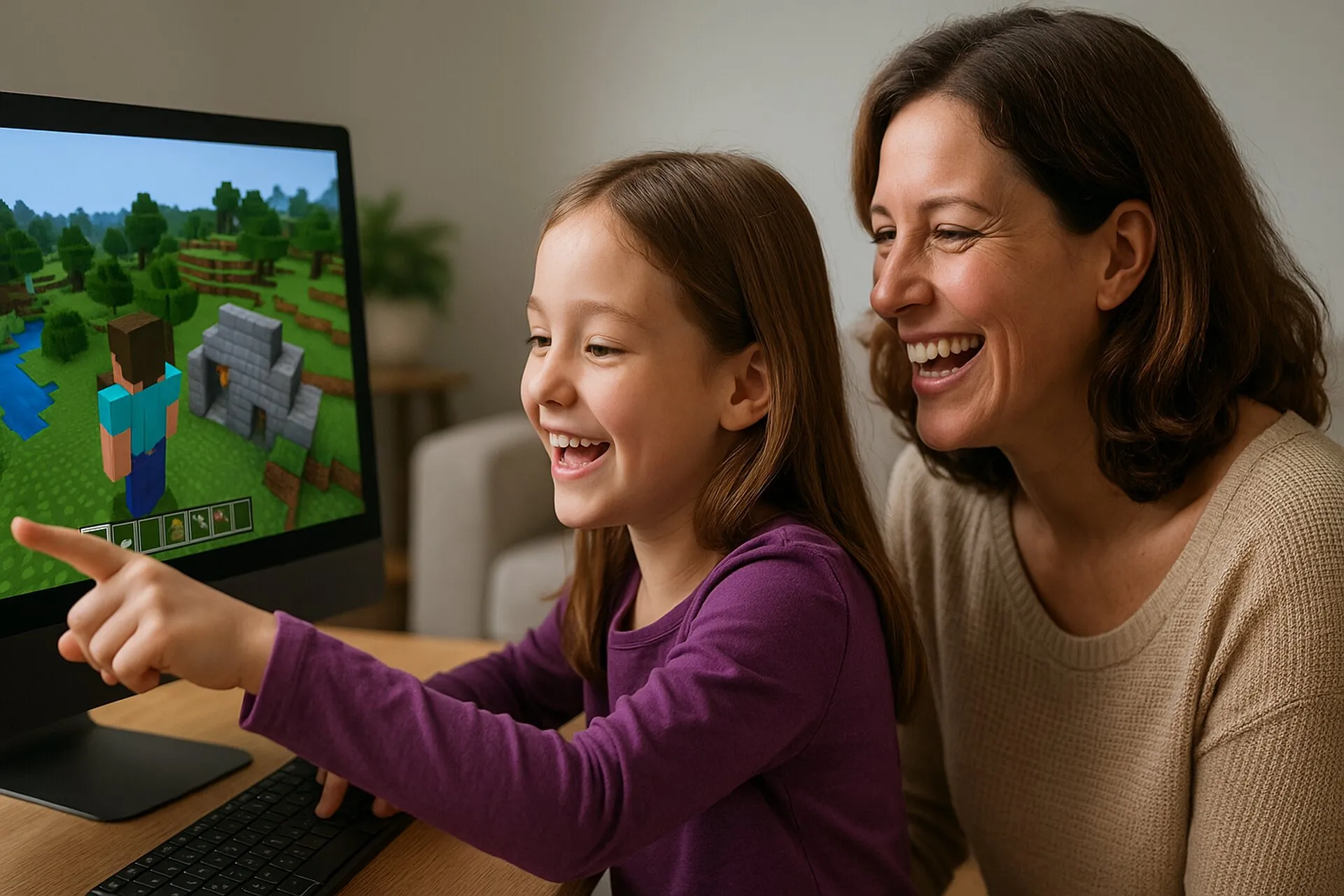
- Watch together: Ask your child to show you what they’re building. Interest builds trust.
- Know the modes: Creative mode is ideal for getting started; Survival mode is for more experienced kids.
- Check the server choice: Only use child-friendly servers with a whitelist, or private Realms.
- Learn time management: Clear but flexible screen-time limits help kids learn to regulate themselves.
- Take emotions seriously: If monsters, darkness or losing things cause stress, talk about it instead of punishing.
- Know the lingo: If your child talks about “PvP” or “griefing”, our cheat sheet Minecraft Terms Explained helps.
Recommendations by age group
| Age | Suitability | Recommended way to play | Settings |
|---|---|---|---|
| 5–6 years | Only with parents, short sessions | Creative mode or Peaceful, no online play | Multiplayer and chat blocked |
| 7–9 years | Supervised, increasingly independent | Creative or easy Survival mode, split screen with siblings | Multiplayer friends only, chat blocked, purchase approval |
| 10–12 years | More independent, with parents in the background | First online experiences on a Realm or friends’ server | Multiplayer and chat friends only |
| 13+ years | Full gaming competence | Own projects, public servers or mods possible | Relax by agreement |
This table is a guideline, not a rule – it’s based on the age ratings and our experience with the game modes.
Conclusion: Not a fixed age, but maturity you grow into together
Minecraft doesn’t have a “right” starting age – it has an individual window for getting started.
From age 6, nothing in the game’s content speaks against it; what matters is chat, online servers and purchases. With a child account in a Microsoft family group and a few agreements, you’ll have these well under control. If you go along on the journey with your child, you’ll find that Minecraft isn’t just played, but lived, explored and understood.
Frequently asked questions
What is Minecraft’s age rating?
Minecraft is rated PEGI 7 in Europe and the UK and E10+ (Everyone 10+) by the ESRB in the US and Canada. In Germany, the USK rates it suitable from age 6, citing cartoon violence, pressure to act and jump scares, and noting that it contains chat and in-game purchases.
Is Minecraft suitable for a 6-year-old?
Yes, if you’re there with them: ideally in Creative mode or in Survival on Peaceful, offline and in short sessions. Online play with strangers and chat aren’t right for this age yet.
When can my child play Minecraft online?
With real-life friends on a Realm or private server, often from around 8 to 10, if you set the Microsoft account settings to friends only. We’d suggest waiting until around 12 for public servers with open chat, and agreeing on rules first.
How do I turn off chat in Minecraft?
Create a child account for your kid in your Microsoft family group. In the Xbox privacy settings (account.xbox.com or the Xbox Family Settings app), you can then set communication and multiplayer to blocked or friends only. In the game itself, chat can also be hidden in the settings.
Can my child spend money in Minecraft?
Yes, in Bedrock Edition through the Marketplace (Minecoins, or tokens on PlayStation) and through subscriptions such as Realms or Marketplace Pass. In your Microsoft family group, you can require your approval before every purchase.